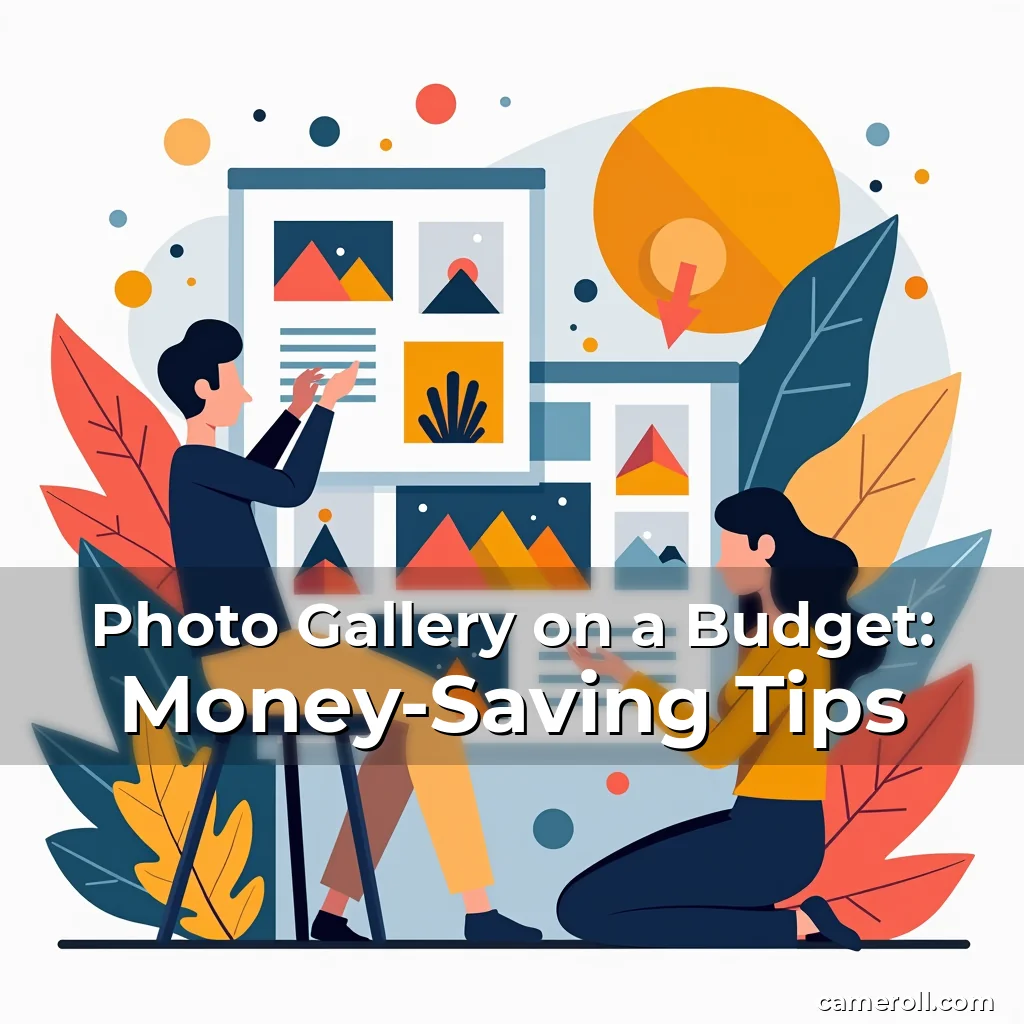
Photo Gallery on a Budget: Money-Saving Tips
In today’s visually driven world, creating a stunning photo gallery has become essential for photographers, artists, and even casual enthusiasts looking to showcase their work. However, the costs associated with high-end equipment, professional editing software, and premium hosting services often deter newcomers from diving into this creative endeavor.
The good news? A captivating photo gallery doesn’t require a hefty investment. By leveraging affordable tools, smart organization techniques, and innovative presentation styles, you can craft a compelling visual narrative without breaking the bank. Whether you’re curating personal memories or building a portfolio, these money-saving strategies will help you achieve professional results while staying within your financial boundaries.
Budget-Friendly Tools for Building Your Photo Gallery
The foundation of any great photo gallery lies in its tools—from photography gear to software and platforms for display. While top-tier equipment can be costly, numerous affordable alternatives exist that deliver exceptional performance.
Smartphones, for instance, have evolved into powerful photography devices capable of capturing high-resolution images suitable for most gallery purposes. Brands like Samsung, iPhone, and Google offer advanced features such as optical zoom, night mode, and AI-enhanced image processing at a fraction of the cost of DSLR cameras.
Free and open-source software further reduces expenses. Programs like GIMP and Darktable rival commercial editors like Adobe Photoshop in functionality, offering layers, filters, and batch-processing capabilities. Online platforms such as Canva and Pixlr provide intuitive interfaces for designing custom gallery templates without requiring technical expertise.
- Use smartphone photography: Modern phones produce sharp, vibrant images ideal for most gallery projects, eliminating the need for expensive cameras.
- Leverage free editing tools: Open-source programs like GIMP and darktable save thousands compared to subscription-based software.
- Explore DIY framing materials: Affordable wood frames, canvas prints, or repurposed objects can transform your space without relying on boutique stores.
Affordable hosting solutions also play a role in minimizing costs. Platforms like WordPress.com and Wix offer free plans with limited customization, while paid versions provide access to plugins and themes tailored for photo galleries.
Organizing Your Collection Like a Pro
An unorganized collection of photos can undermine even the most well-designed gallery. Effective organization ensures seamless navigation and enhances the viewer’s experience, whether your gallery resides online or in physical form.
Categorize your photos systematically using folders or tags. Group them by event, theme, or subject matter—for example, “Wedding Portraits,” “Landscape Photography,” or “Family Memories.” Consistent naming conventions (e.g., YYYY-MM-DD_Description) simplify searching later.
Metadata tagging is another critical step. Assign keywords and location data to each photograph, enabling faster retrieval and improving accessibility for users exploring your gallery. Software like Adobe Bridge allows bulk tagging, saving time when managing large collections.
Tips for Efficient Digital Archiving
Digital archiving prevents loss due to device failure or accidental deletion. Invest in external hard drives or utilize cloud storage services like Dropbox or Backblaze, which offer secure, scalable solutions at low monthly rates. Regularly back up files to multiple locations to mitigate risks.
Additionally, consider compressing large image files before uploading them to a gallery platform. Tools like TinyPNG reduce file sizes without sacrificing visible quality, ensuring smooth loading times for visitors.
Creating Eye-Catching Layouts Without Breaking the Bank
The layout of a photo gallery significantly impacts its appeal. A cluttered arrangement overwhelms viewers, while a thoughtfully designed composition guides attention and highlights key pieces. Fortunately, achieving aesthetic balance doesn’t demand a designer’s salary.
Start by selecting a consistent style. Minimalist layouts emphasize negative space and clean lines, allowing individual photographs to shine. Conversely, maximalist designs incorporate bold colors, textures, and overlapping images to evoke energy and creativity.
Color theory plays a vital role in setting the tone of your gallery. Choose palettes that align with your photos’ subjects—a warm hue for portraits, cool tones for landscapes, or monochrome for vintage aesthetics. Free tools like Coolors.co generate harmonious combinations instantly.
- Experiment with spacing: Adjust gaps between photos to avoid overcrowding while maintaining rhythm and flow.
- Use leading visuals: Place larger or more striking images strategically to draw the eye toward central themes or stories.
- Add texture overlays: Subtle patterns or gradients enhance depth without overpowering the content.
Don’t underestimate the power of typography. Select fonts that complement your photos—serif fonts for classic feel, sans-serif for modern simplicity—and pair them with legible text sizes to ensure readability across devices.
Digital Galleries: Affordable Alternatives to Physical Displays
In an age dominated by screens, digital galleries offer flexibility and convenience. Unlike traditional framed displays, they eliminate logistical challenges such as shipping, installation, and space constraints while providing instant global access.
Websites built using platforms like Squarespace or Weebly enable users to upload and arrange photos effortlessly. Many of these services offer customizable templates specifically designed for photo showcases, complete with sliders, hover effects, and responsive layouts optimized for mobile viewing.
Cost-Effective Hosting Options
While free website builders suffice for basic galleries, upgraded plans typically unlock advanced features such as SSL encryption, unlimited bandwidth, and e-commerce integration. Plans like Squarespace’s Business tier cost $18/month but grant full control over branding and analytics.
Alternatively, self-hosted solutions like WordPress.org give total freedom but require initial setup knowledge. Using managed WordPress hosts like SiteGround ($6–$19/month) balances affordability with support, making them ideal for beginners seeking scalability.
Cloud-based slideshow generators like Slidesgo or Prezi allow creators to embed dynamic presentations onto blogs or social profiles. These tools often feature drag-and-drop interfaces and royalty-free stock imagery, cutting development time dramatically.
Making the Most Out of Print Media
If you prefer tangible exhibits, printed galleries bring a tactile dimension that digital formats cannot replicate. From photo books to wall-mounted prints, print media offers opportunities to innovate while controlling costs effectively.
Invest in economy-grade photo paper and standard frame kits rather than luxury finishes unless necessary. Stores like Walmart or Staples sell economical framing supplies that match high-quality results at lower prices through careful selection.
Consider local print shops that offer volume discounts. If ordering dozens of prints, negotiate rates for bulk purchases. Additionally, many online printers like Shutterfly or Snapfish let customers mix and match pricing tiers for different product types.
- Prioritize matte finishes: Matte surfaces reduce glare and protect against fingerprints better than glossy counterparts.
- Choose canvas wraps: Stretched canvas prints appear less bulky yet maintain visual impact at reduced thickness compared to wooden frames.
- Utilize double-sided mounting: This technique doubles visibility potential without doubling material usage.
Fabric-backed poster boards serve as inexpensive alternatives to glass-covered frames. Simply print desired photos directly onto fabric sheets and mount them using adhesive backing strips available from office supply retailers.
Community Engagement Through Interactive Features
Enhancing visitor interaction transforms static photo galleries into immersive experiences. Engaging elements foster connection, encourage repeat visits, and position your gallery as more than just a visual display—it becomes an invitation to participate actively.
Incorporate comment sections, polls, or quizzes related to exhibited works. Ask viewers questions about their favorite shots or vote on future additions to your collection. Social media integrations let guests share favorites easily via Facebook, Instagram, or Pinterest links embedded within pages.
Augmented reality (AR) features now enable users to view 3D animations overlaid onto real-world environments. Apps like Spark AR Studio allow developers to integrate virtual stickers, filters, or interactive elements into photo booths or exhibition spaces affordably through existing phone capabilities.
Implementing Feedback Loops
Gathering feedback helps refine offerings continuously. Add contact forms requesting input on preferred topics, improvements, or suggestions for new content areas. Monthly surveys sent via email capture evolving audience preferences efficiently without significant overhead.
Live Q&A sessions hosted weekly or biweekly on YouTube or Twitch provide direct engagement opportunities. Prepare discussion prompts beforehand to guide conversations naturally towards shared interests centered around photography itself rather than sales pitches.
Collaborate locally with schools, libraries, or art centers who may host events featuring your gallery. Exchange promotion efforts mutually benefit both parties while expanding reach organically among niche audiences receptive to artistic expression.
Sustaining Growth With Sustainable Practices
As your photo gallery evolves, sustainability becomes increasingly relevant—not just environmentally responsible choices, but also financially prudent ones. Adopting eco-conscious habits ensures long-term viability without compromising quality standards.
Eco-friendly printing processes use plant-based dyes, recyclable papers, and soy ink alternatives whenever possible. Partner with certified green suppliers verified by organizations like FSC (Forest Stewardship Council) guaranteeing ethical sourcing behind packaging materials used during production phases.
Energy-efficient LED lighting systems conserve electricity bills drastically over conventional incandescent bulbs. Motion sensors automatically turn off lights when rooms remain unused for extended periods, reducing unnecessary consumption overnight.
- Optimize digital uploads: Compress files intelligently prior to publishing; excessive resolution unnecessarily drains server resources.
- Reuse outdated props: Repurpose items previously deemed obsolete into fresh compositions creatively.
- Donate surplus inventory: Give away excess supplies benefiting others simultaneously supporting waste reduction initiatives.
Regular audits identify inefficient practices quickly. Track metrics regarding bounce rates, average session duration, and conversion goals to pinpoint areas needing improvement consistently. Refine strategies accordingly instead of blindly following trends popularized elsewhere independently of actual outcomes experienced firsthand.
Conclusion
Building a remarkable photo gallery needn’t come with exorbitant price tags. By combining accessible technology, strategic planning, and resourcefulness, anyone can establish a visually appealing exhibit worthy of admiration regardless of budget limitations.
Whether showcasing professional portfolios or cherished family moments, applying these cost-effective approaches empowers individuals worldwide to express themselves artistically confidently. Remember always prioritize quality above quantity—each meaningful shot deserves thoughtful consideration equal to its visual worth.

news is a contributor at CameRoll. We are committed to providing well-researched, accurate, and valuable content to our readers.